
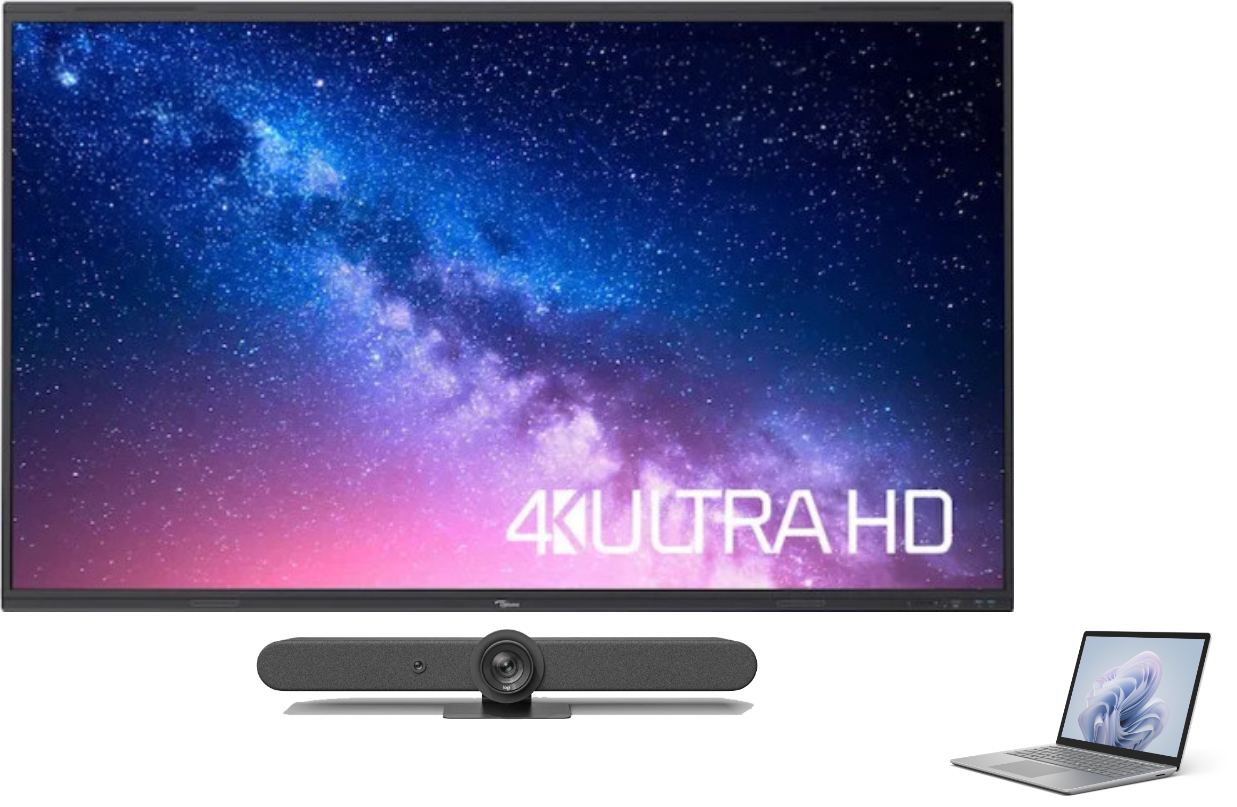
Connect HDMI cable.
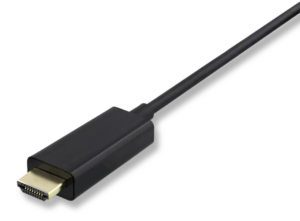
Connect both cables.
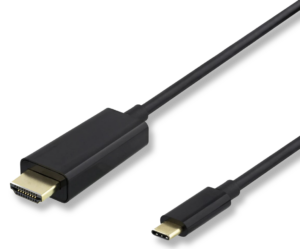
Start video service by choice.
Select room equipment in device settings in Teams.
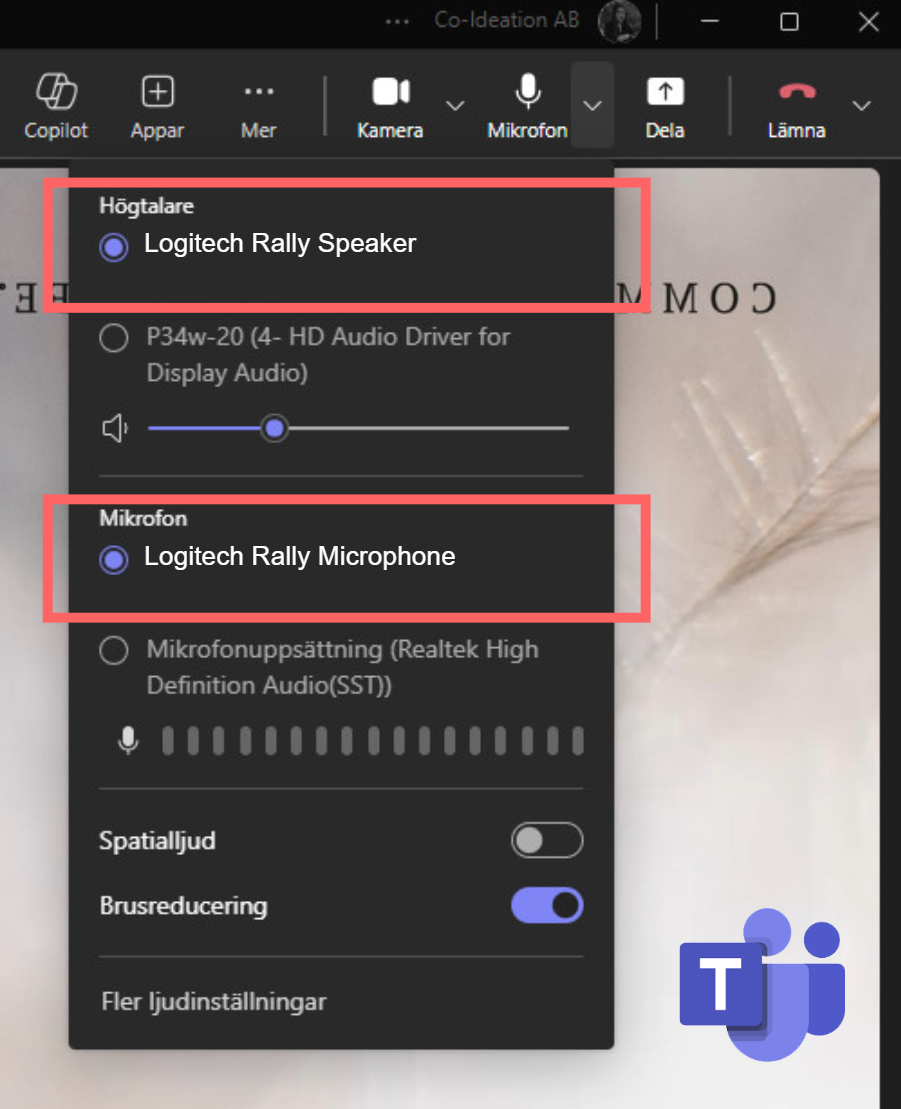
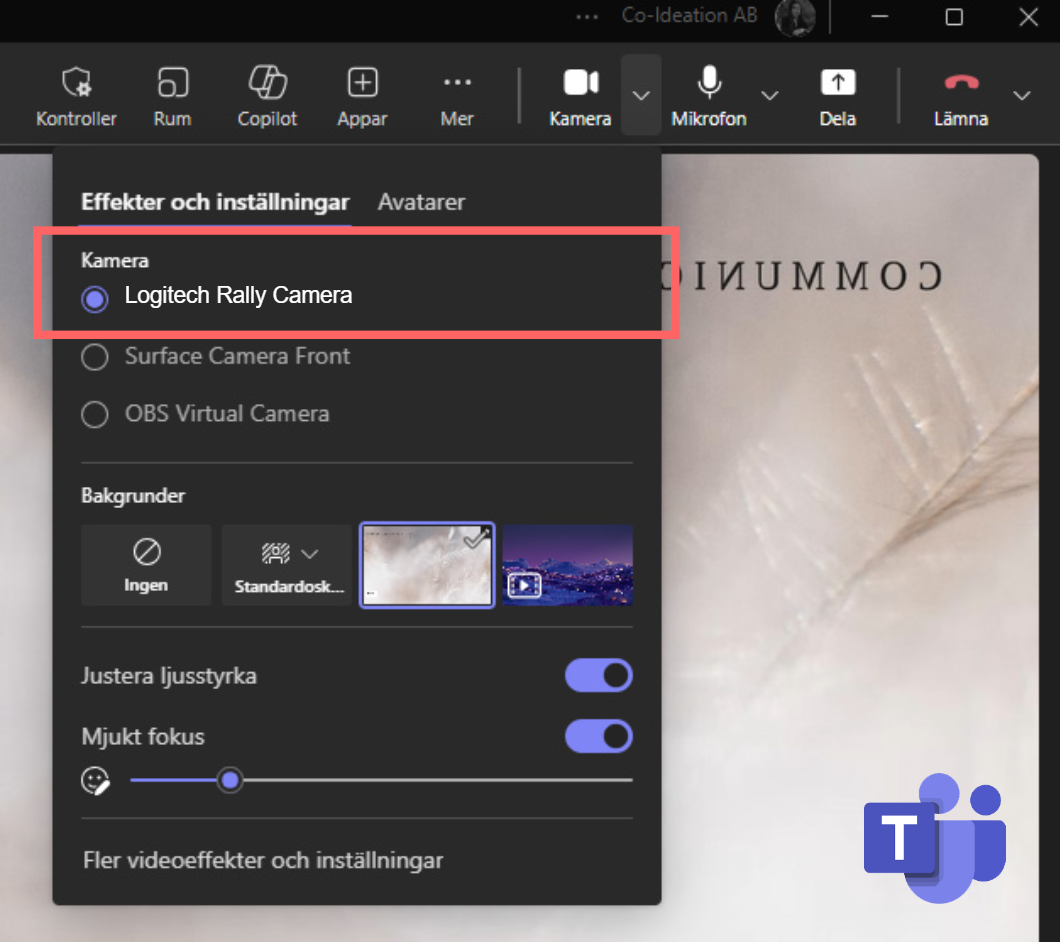
Share presentation in Teams meeting.
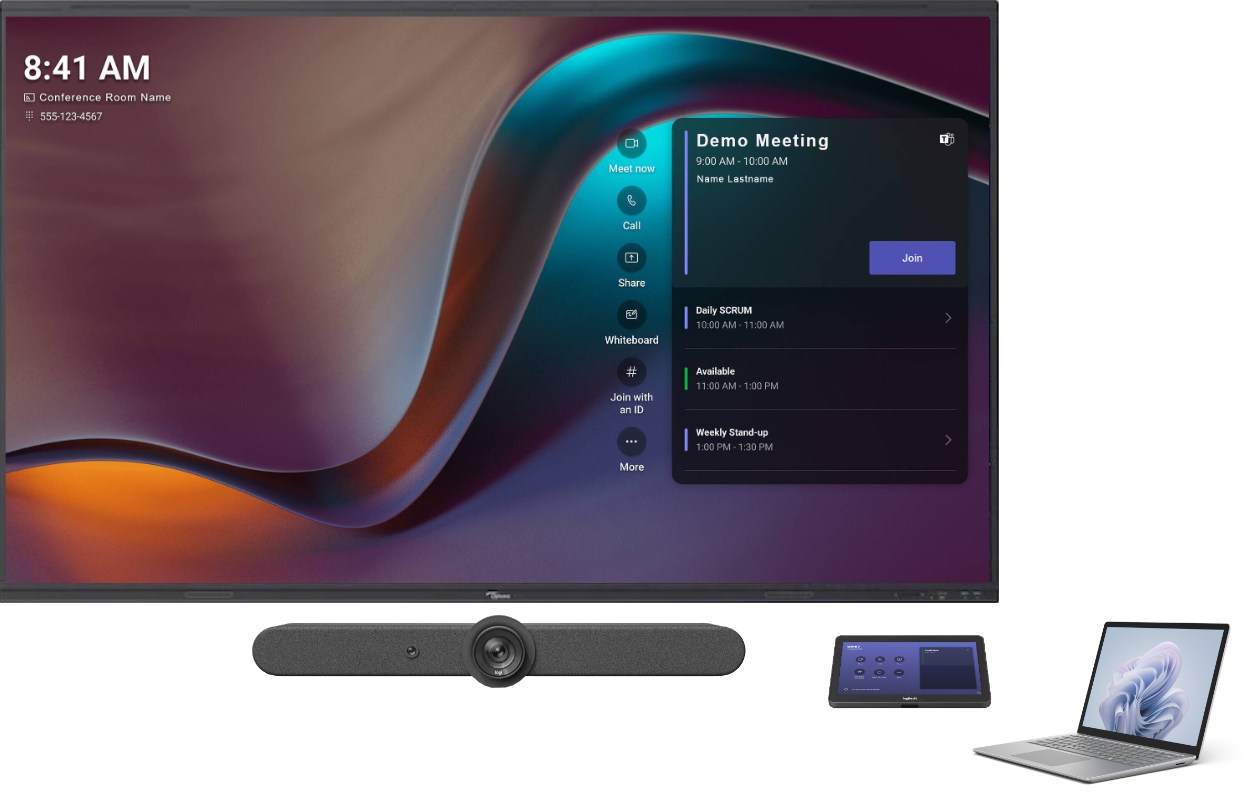
Invite Teams Room System to a meeting.
Click on Join in calendar on touch display.

Start Whiteboard on touch display.
Share Whiteboard in Teams.
Share PowerPoint Live in Teams meeting.
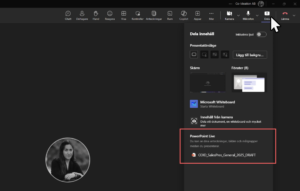
Take control of PowerPoint live on touch display.
Connect additional USB-C cable with interactive Touch Display (front port) & Laptop.
Take control of Laptop from Touch Display.
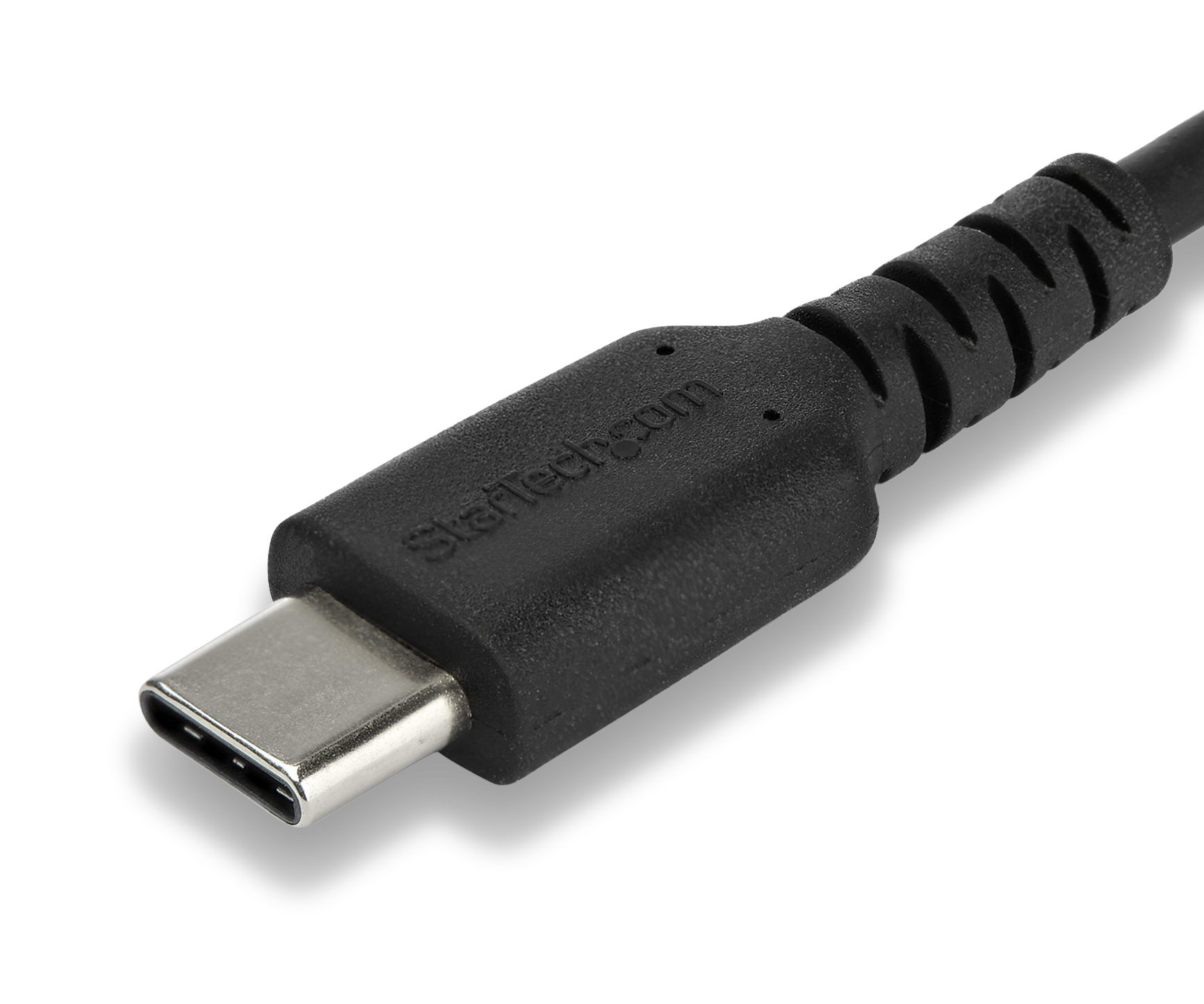
Possible to share screen in Teams meeting & work interactively on Touch Display.
Please note: Turn off Audio from Laptop to avoid loop of sound.


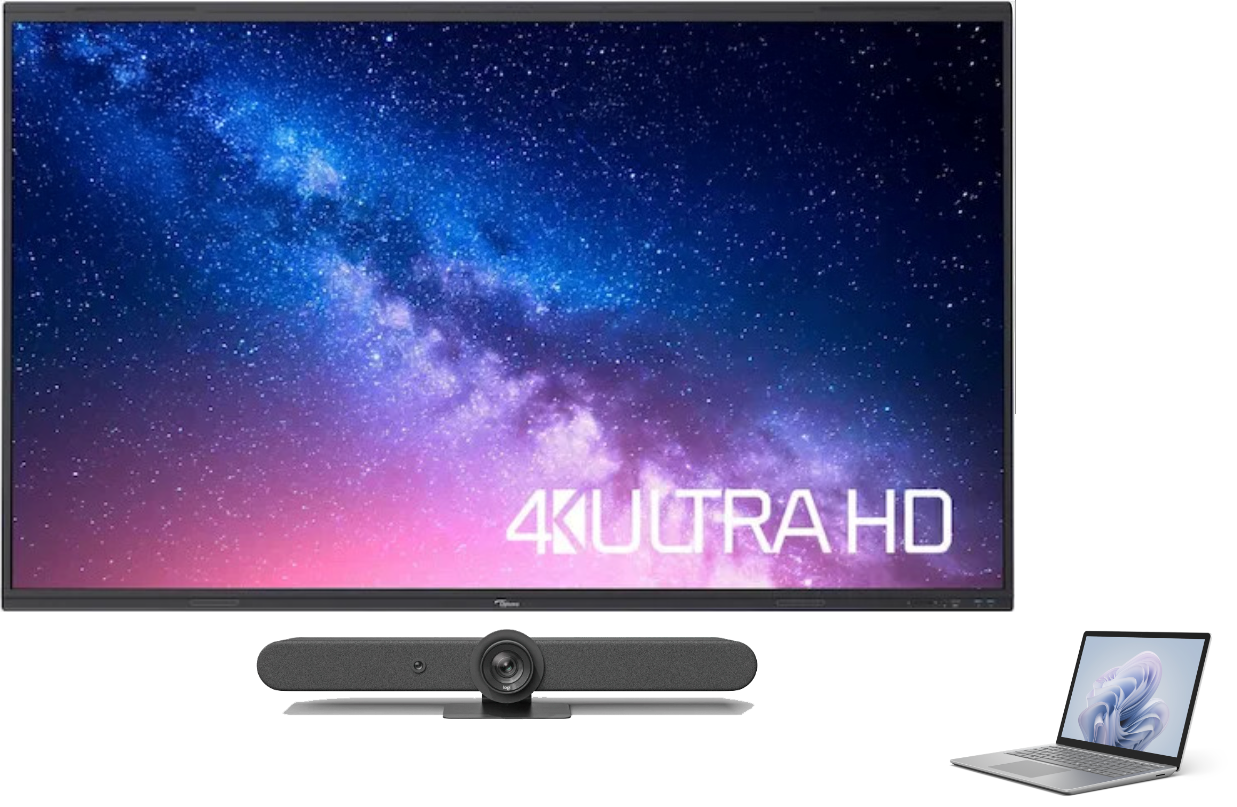


Invite Teams Room System to a meeting.
Click on Join in calendar on touch display.
Share PowerPoint Live in Teams meeting.
Take control of PowerPoint live on touch display.
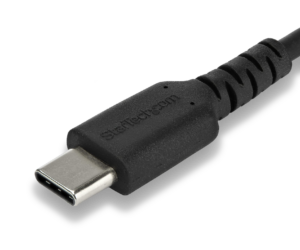
- Connect additional USB-C cable with interactive Touch Display (locate correct port) & Laptop.
- Take control of Laptop from Touch Display.
- Possible to share screen in Teams meeting & work interactively on Touch Display (Note: Turn off Audio from Laptop to avoid loop of sound).
Start Whiteboard on touch display.
Share Whiteboard in Teams.